Moe’s temperature and humidity sensor is a Tuya ZigBee sensor. It will provide you with information about the current humidity conditions in your house or specific rooms. It also informs you about the current temperature.
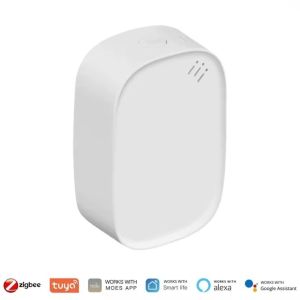
The sensor is minimal, around 5 * 4 cm, with a rounded curvature. However, it is a powerful sensor, powered by the CR2032 battery.
Upon purchasing, you receive along
- The sensor
- A user Guide
- Double-sided tape to affix the sensor
Requirement for usage
- Internet connection
- Moe’s Application
- Tuya Zigbee Gateway (Required)
How to connect
- Please ensure that your gateway is set up and connected to your local LAN.
- Switch on Bluetooth on your phone.
- Open the moes application
- Press on Add (+) to add new device
- On the sensor, hold the button, which will allow pairing, making sure you are close to your Zigbee Gateway and your phone.
- The application will detect the sensor and add it to your IoT network.
How it looks like
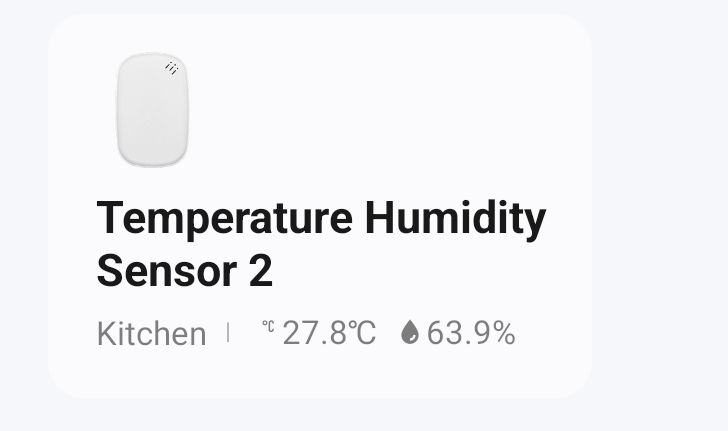
While opening the application, along with all your devices, you will find the temperature and humidity sensor appearing in the list, the location where you have set it at, as well as information about the temperature and current humidity level.
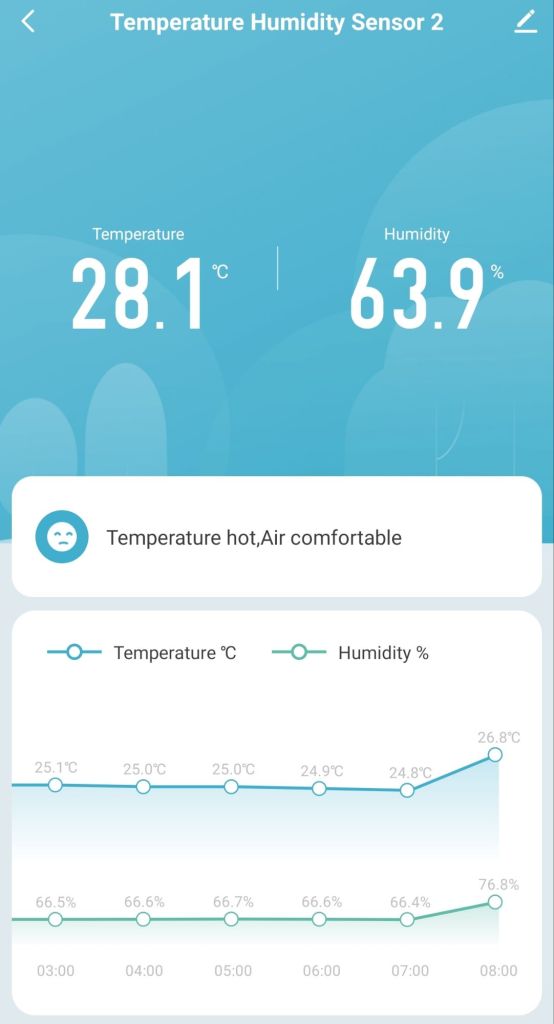
Clicking on the sensor will provide you with more detailed information, which includes temperature and humidity levels at different times of the day.
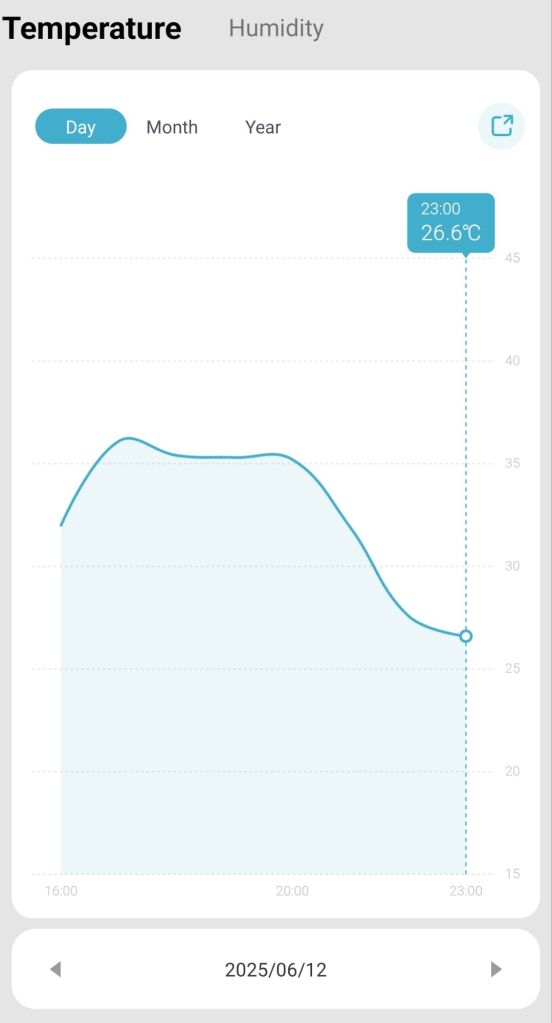
You also have the option to view temperature and humidity levels on a day-to-day, monthly, or yearly basis, which gives you much more autonomy in decisions to make, such as investing in air conditioners or humidifiers/dehumidifiers if required.
What can you do besides monitoring?
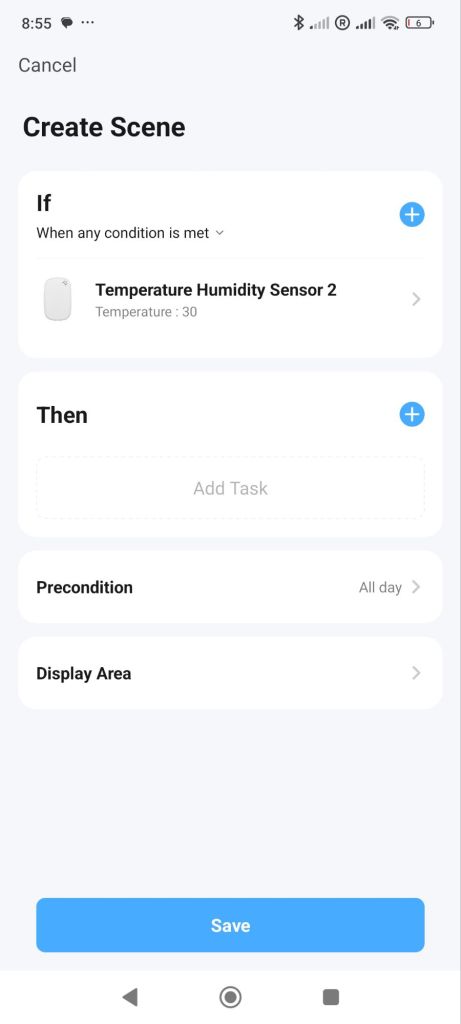
You can create smart scenes; for example, you can control humidifiers or your air conditioners to switch on if a certain temperature or humidity level is reached.
To conclude, this is a very good solution to monitor your temperature and humidity levels. This will help you to stay healthier and make better decisions when it relates to cooling or humidity in your home.
 Echo | Notes
Leave a comment